
Ask any finance team about expense claims and you will hear the same story: receipts photographed at odd angles, claims submitted three months late, approvers who click "approve" without looking, and a month-end scramble to match it all to budgets.
Expense management software exists to fix that. But tools vary widely, and the wrong one simply moves the chaos into an app. This guide explains what good expense software does, which features matter, and how to evaluate options.
What does expense management software do?
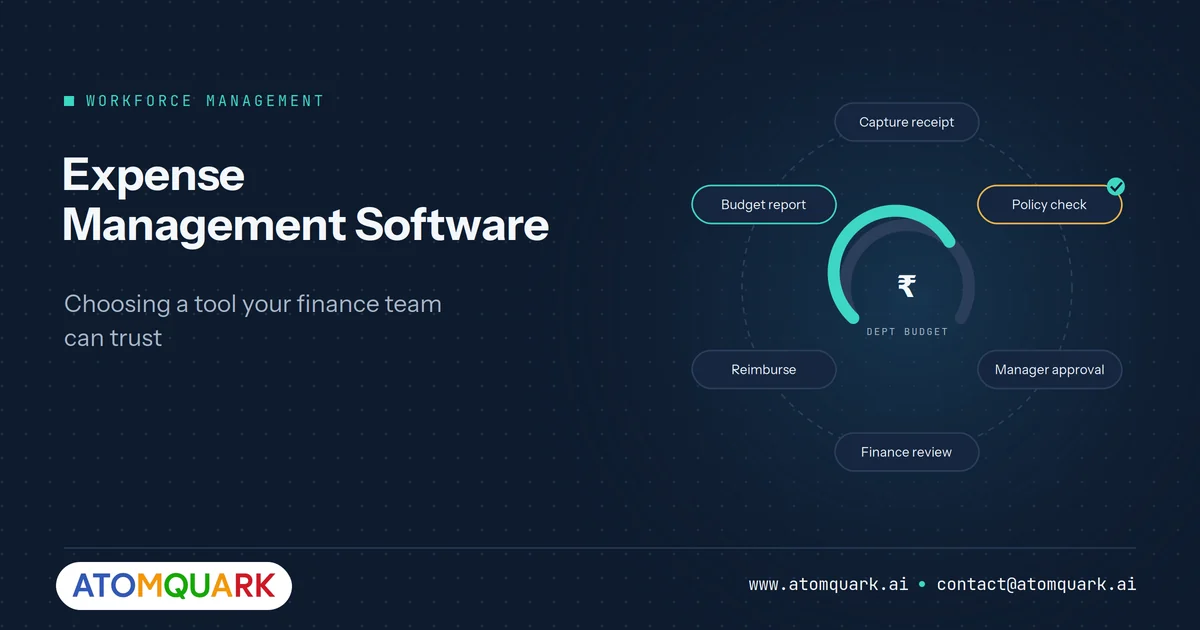
It digitises the full employee expense cycle: capturing receipts, checking claims against policy, routing approvals, reimbursing employees, and reporting spend against budgets. The best tools also flag unusual patterns and help finance forecast spend.
The expense reimbursement process, before and after
Manual process
- Employee keeps paper receipts.
- Fills in a spreadsheet at month-end.
- Emails it to a manager, who approves without context.
- Finance checks receipts against policy by hand.
- Data is re-keyed into accounting.
- Reimbursement goes out weeks later.
Automated process
- Employee captures the receipt on a phone at the point of spend.
- Claim fields are filled from the receipt.
- Policy rules check limits and categories instantly.
- Manager sees the claim with policy flags and budget context.
- Finance reviews only exceptions.
- Approved claims export to payroll or accounting.
The difference is not just speed. It is that finance reviews exceptions instead of everything.
Features that matter
Mobile receipt capture
If submitting a claim takes more than a minute, people will batch them, lose receipts and submit late.
Built-in policy controls
Per-category limits, per-diem rules, grade-based entitlements and required fields should be enforced at submission, not discovered at audit.
Multi-level approvals
Approval chains by amount, department or cost centre, with delegation when approvers are away.
Budget tracking by department
Finance should see spend against budget in real time, not after month-end close. Tools that forecast where budgets will land are especially useful for controllers.
Anomaly and duplicate detection
Duplicate receipts, weekend claims, split transactions to stay under limits and claims well outside a team's norm should be flagged automatically.
Reporting and export
Department, project and category reports in formats your accounting and payroll systems can take, typically Excel or CSV, plus PDF for records.
Connection to the rest of HR
Expenses relate to attendance (were they on duty that day?), travel and projects. A platform that links them avoids reconciling separate tools.
Questions to ask vendors
- How long does it take an employee to submit a typical claim on mobile?
- Can policy rules differ by grade, location and expense type?
- How are policy violations shown to approvers?
- What does the finance exception queue look like?
- Which accounting and payroll exports are supported out of the box?
- How is data secured: SSO, MFA, role-based access and encryption?
- Can we see budget consumption by department in real time?
- What does implementation involve, and how long does it take?
Mistakes that undermine expense software
- Encoding a bad policy. Automation enforces whatever rules you give it. Simplify your expense policy before configuring it.
- Too many approval layers. Three approvers on a ₹400 taxi fare wastes more money than it saves.
- No clear exception path. Legitimate out-of-policy spend needs a justified-override route, or employees route around the system.
- Treating it as a finance-only tool. Employees are the main users. If they hate it, data quality suffers.
Where AI adds value
AI is most useful in three places: reading receipts into structured fields, spotting anomalies across thousands of claims that no human reviewer would compare, and forecasting budget overruns before they happen. It works best as a reviewer's assistant, flagging what deserves attention, rather than as an automatic approver.
Designing an expense policy that automation can enforce
Software can only enforce rules that are clear. Before configuring any tool, review the policy with these questions:
- Is every limit expressed as a number? "Reasonable hotel costs" cannot be checked automatically; "up to ₹6,000 per night in metro cities" can.
- Are categories distinct? Overlapping categories, such as "travel" and "client meetings", produce inconsistent coding.
- Do limits vary by grade or location? If so, list them in a simple table.
- What evidence is required? Define when a receipt, tax invoice or attendee list is needed, and when a declaration is enough for small amounts.
- What is the deadline? Claims submitted months late distort monthly budgets. Set a submission window.
- How are exceptions handled? Allow justified overrides with a written reason and an extra approval step, rather than outright rejection.
Shorter policies tend to be followed more closely. If your current policy runs to many pages, a rewrite before implementation will pay for itself in fewer disputes.
Measuring the return on expense software
Agree a few measures before rollout so the benefit is visible:
- Time to reimburse: days from claim submission to payment.
- Finance hours per month spent checking and processing claims.
- Policy violation rate, which should fall as employees see rules applied at submission.
- Late submissions: claims submitted outside the agreed window.
- Budget variance surprises: overruns discovered only at month-end.
Track the baseline for one or two months before go-live and compare after three months.
TeamTrack's expense and budget intelligence
TeamTrack by Atomquark includes an Expense and Budget Intelligence module alongside attendance, leave and planning. Teams can track, approve and forecast expenses by department, and AI-driven budget intelligence flags overrun trends and generates policy recommendations. Managers can ask the MyTime AI assistant about expenses in plain language, build custom reports, and export to PDF or Excel.
Because expenses sit in the same platform as attendance and employee records, finance and HR work from one source. Our guide to smart workforce management explains why that consolidation matters. If your process needs custom integration with an existing ERP, Atomquark's software development team can build connectors.
Frequently Asked Questions
What is expense management software?
It is software that automates employee expense claims from receipt capture through policy checks, approvals, reimbursement and reporting against budgets.
Is expense management software worth it for small businesses?
Often yes, once claim volume makes manual checking time-consuming. Benefits include faster reimbursement, consistent policy enforcement and real-time budget visibility.
How does expense software enforce policy?
It applies configured rules, such as category limits, per-diems and required fields, when a claim is submitted, and flags or blocks claims that break them.
Can expense management software detect fraud?
It can flag likely issues, including duplicate receipts, split transactions and unusual claim patterns, for human review.
What should expense software integrate with?
Typically accounting or ERP, payroll, HR records and identity systems for single sign-on.
Give finance exceptions, not paperwork
Fast claims for employees, real-time budgets for finance. Book a TeamTrack demo to see the expense and budget intelligence module in action.